Authenticating via a text message, or a voice call, is probably the multifactor authentication method that’s most familiar to the most people – it’s been the default that every organisation uses because phones are so ubiquitous.
But phones are insecure – numbers can be spoofed and scammers have become adept with ruses to persuade carriers to switch your number to their device. Phones are no longer sufficiently secure to be relied upon as a multifactor authentication method.
At Oxford new user accounts are already unable to setup SMS or call-based MFA.
Key dates
1st September 2026
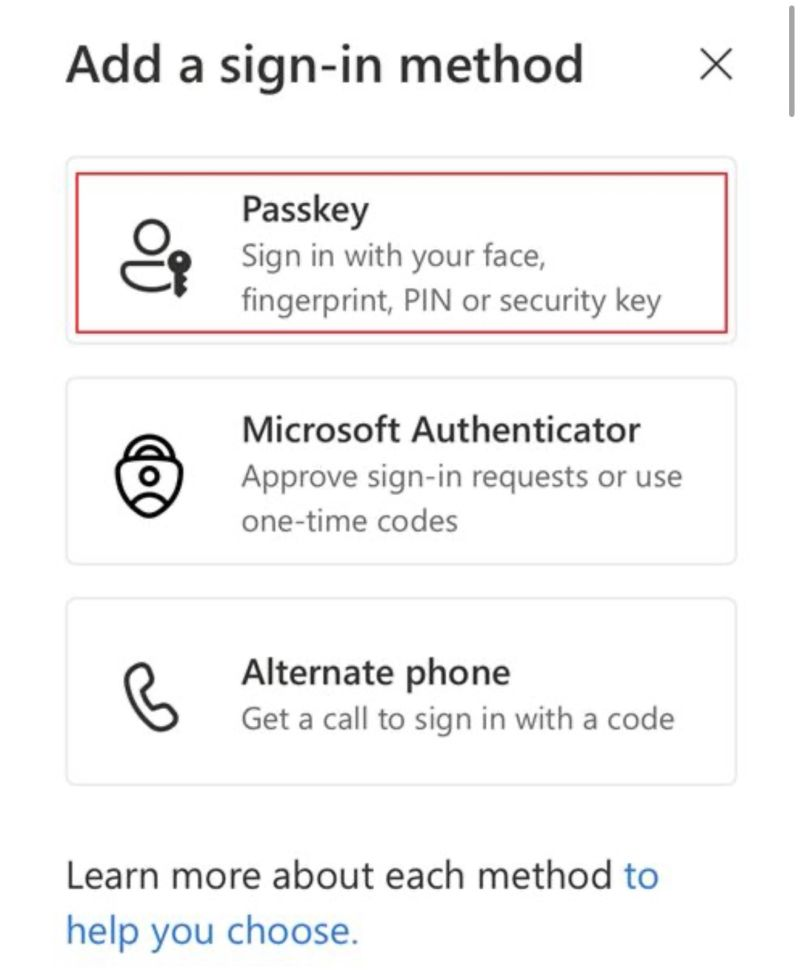
Passkeys will be the default authentication method offered to new accounts, with other options available but effectively deprecated.
1st February 2027
SMS and voice-based authentication will no longer work via Microsoft. To continue to offer phone authentication we would have to use a third-party supplier, at additional cost.
After this date, if you have no other authentication method registered on your account, you will be prompted to only use a passkey.
| Date | What happens | Notes |
|---|---|---|
| 1 August 2026 | API support for temporary opt-out becomes available | Only needed if we want to postpone the September change. |
| 1 September 2026 | SMS and voice users are auto-enabled for passkeys (and nudged to register) | Communications will go out. |
| 18 September 2026 | Microsoft Security Store will start to offer third-party SMS/voice auth options | Unlikely we’ll use these, due to the extra cost and weakened security. |
| 30 October 2026 | Alternate auth telecom providers can be configured | if applicable |
| 1 February 2027 | Microsoft-provided SMS and voice are retired | Passkeys only for people with no other registered MFA method. |
| Beyond that point | Users with only SMS or voice get a blocking passkey registration prompt | Enforced for all Microsoft tenants |
Points of note
- Passkeys are more secure because they can’t be easily phished: there’s no code a scammer can use.
- Older PCs, such as those without a fingerprint reader or a Hello-ready camera will need a physical security key.
- A lost device, whether a mobile phone or a Yubikey, will require a recovery process to get the user logged back in. Please be kind with the service desk staff after each of the milestone dates noted above as they gain familiarity with new recovery requests.